Vixlo for Mac
Cull a shoot before the coffee goes cold.
Point Vixlo at a card. Take, Hold, Reject — three keys, one frame at a time — then develop your takes and hand them off. It runs on your Mac, and your photographs stay there.
No card to start · $150 a year after · Cancel any time
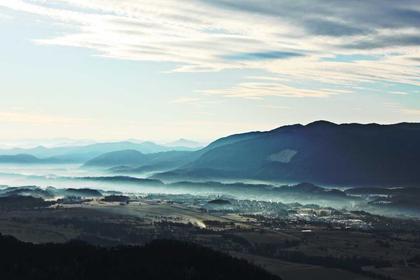
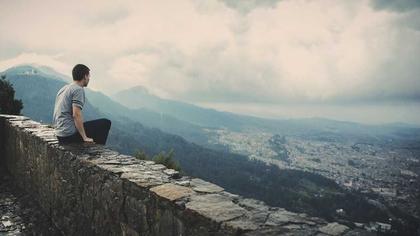
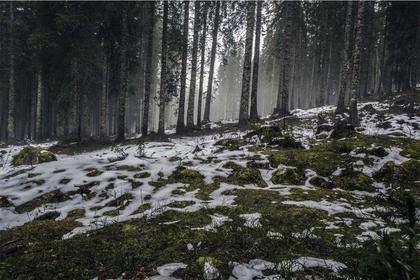

 UnratedDSC_09801/800 · f/8 · ISO 200


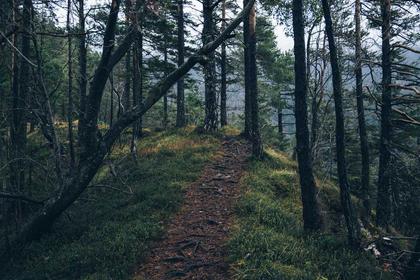
Frame 05 is the one you are on — the orange is the cursor, not a decision. Press a key and see.
01 The pass
Only the frames you are deciding about.
A pass is what is on the sheet. Narrow it to the unrated and the pile shrinks as you work; narrow it to your takes and you are looking at the edit. Counts are real, and they tick in place.
TakeTakeUnratedHoldTake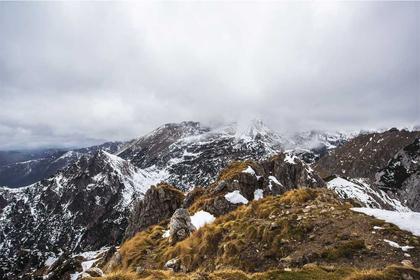 Reject
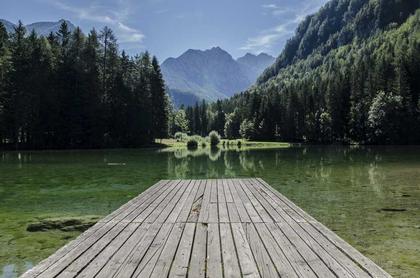 UnratedTake
 Hold
Hold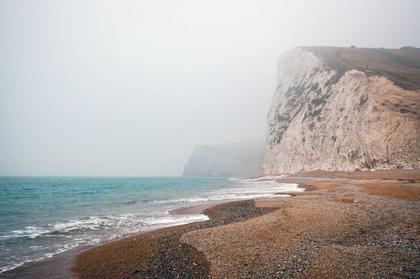 Reject
 UnratedTake
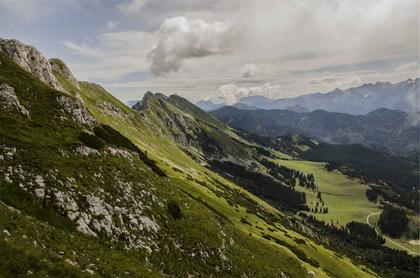 Unrated
 Hold
Hold Reject
 UnratedTake
 Unrated
 Hold
Hold RejectTake
 Unrated
 Unrated
 Unrated
Nothing in this pass yet.
 Would takeDSC_0665Undecided
02 Proposals
It proposes. You decide.
A dashed, hollow mark means nothing here has been decided. Vixlo says what it would take and what it would bin, names the rule it used, and waits. A filled mark only ever appears after you press a key — no sharpness score, no duplicate match, no aesthetics read ever becomes a decision by itself.
Why this one
- Disagree with it three times in one sitting and it offers to change the rule — in your words, not a slider.
- What it learns is yours. Forget it any time, and it forgets.
 IMG_0101.CR3Copy · original untouched
03 Develop
The develop room is one door away.
Press E and the takes you just marked open in the edit workspace — exposure, colour, crop, repair and the film simulations, applied to a copy of the decision and never to the original file.
Export builds a new file from the original plus its metadata, every time. Your originals are never modified. Not once, not by anything.
- In the edit room the AI ink is violet and never a filled surface — a change it authored must not read as one you made.
- Every view renders the photograph with its develop settings applied. What you see is what exports.
One frame, six starting looks
Swatches are the same photograph under each look. Choosing one sets where your takes start; it never touches the file.
04 Your Mac
Everything happens on your own Mac.
Culling, developing and exporting all run locally. Nothing about what is in your library — not a photograph, not a file name — is ever sent anywhere.
Nothing is uploaded
Culling, developing and exporting all happen offline. Your photographs never leave the Mac unless you publish them yourself.Originals are never modified · edits are metadata · nothing is deleted except Empty bin
Three Macs, one account
Sign in on up to three. A fourth is refused by name, and you free a slot from your account page in a click.Sign-in carries an email, a Mac name, a hashed hardware id and two version strings
05 One plan
Everything, whichever way you pay.
There is no tier that holds a feature back. The trial is the whole app, and the only choice is how often you are billed.
Vixlo for Mac · a year at a time
$150a year
$30050% off
Seven days free first. The trial starts when you confirm your email.
Or a month at a time
$17.50a month$2530% off
Both prices are the launch offer, and they hold until 16 March 2027. Subscribe before then and you pay it for your first period; after that a subscription renews at $300 a year or $25 a month.
- Seven days free, starting when you confirm your email
- No card to start
- Signed in on up to three Macs
- Cancel from your account page, any time
- If it lapses, every library still opens — nothing is deleted or locked away
Download
One drag, and it runs.
A notarized disk image. Drag Vixlo to Applications, open it, and cull a card with nothing else installed.